PRODUCT PHOTO PACKS FOR SMALL SHOPS
Your next collection.
Ready to publish.
Give your product photos one consistent finish. Choose images for your shop, social posts, or both. Download only what you need.
Free beta · No account needed
Edits save on this device.
One collection. Just the images you need.Try these three real photographs. Choose where you will use them and preview exactly what you will get.
Start with the photos you already have. Background removal is optional and experimental.
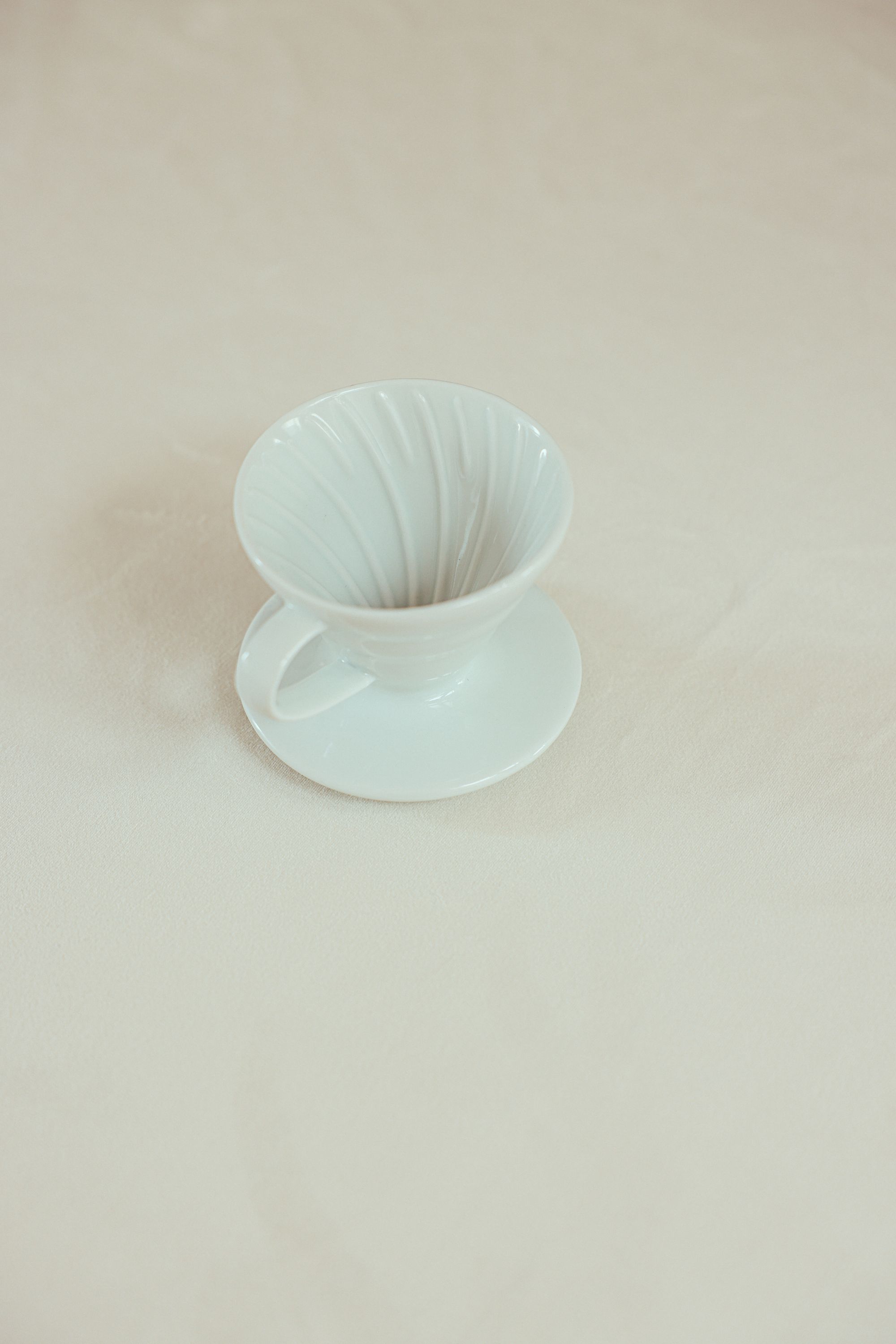
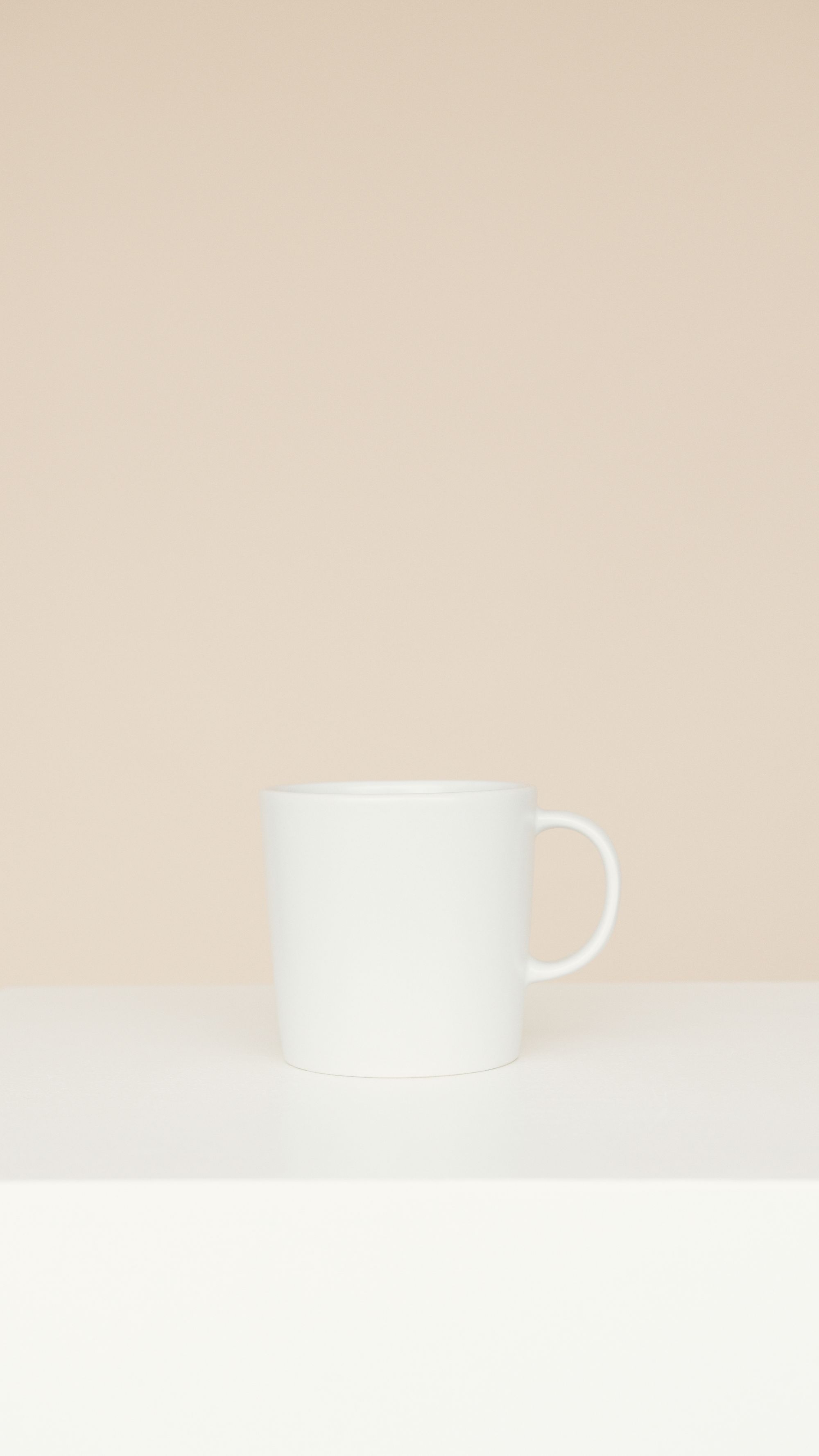
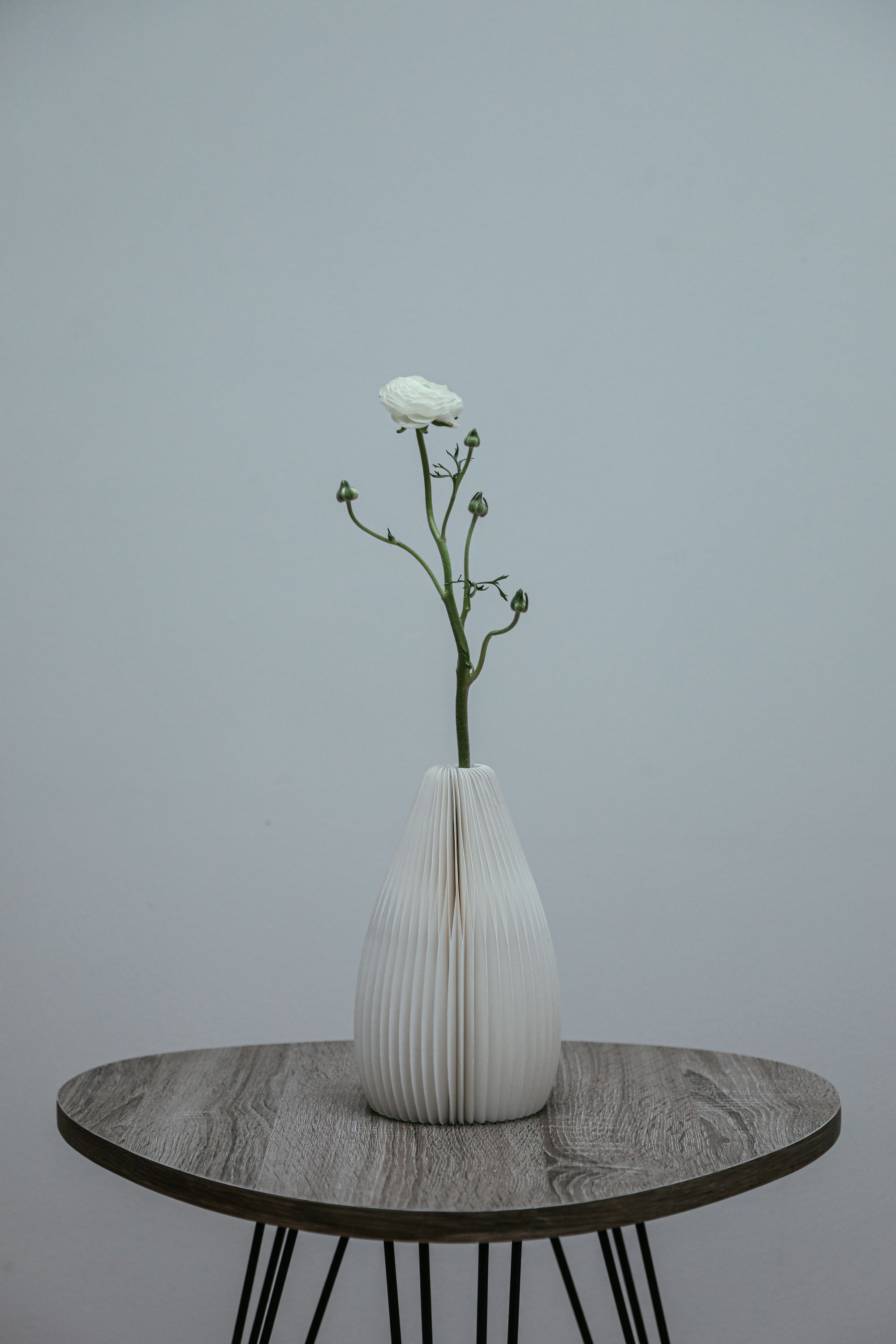
Your finished pack
3 images · 1 ZIPClean listing 1:1
Instagram square 1:1
Instagram portrait 4:5
IG / Facebook Stories 9:16
Preparing the example pack…
Real sample photos. Original backgrounds preserved.
Sample photo credits ↗01Add your collectionChoose up to 30 product photos.
02Make the finish yoursPick a style. Save it for next time.
03Download your packOnly the versions you selected.
Free beta · Edits save on this device. Optional background removal sends selected photos to Photoroom. Credits ↗
YOUR PRODUCT PHOTO WORKSPACE
Good photos.
One consistent finish.
A whole batch, ready for your shop.
Keep the original or try a cutout. Choose your finish, then download the whole batch.
Less repetitive editing.
More room for your business.
Walkthrough & optional studio sound
See your whole workflow come together.Three real product photos. Choose your shop, social posts, or both, and download only those versions. Watch Pip demonstrate the tools and prepare a real pack. Follow each step, skip ahead or close anytime.
A softer studio
Gentle acoustic piano. Starts at 14% after the welcome; you can stop it anytime.
Add your photos 0
Start with your batch. Select any photo to keep it in view while you edit.
Give your photos a little consistency.
Drag your photos here, or choose them from your device.
JPG, PNG or WebP · Up to 30 photos
20 MB each · 150 MB total · 40 megapixels per photo
01 / EVERYDAY02 / SLOW LIVING03 / ESSENTIALSTry real product photographs, then download a coordinated pack.
Your batch saves automatically in this browser on this device. Editing and brush tools work here. If you choose background removal, selected photos are sent securely through SwiftBatch to Photoroom. How photos are handled ↗
Add your photos
Start with up to 30 product photos. Your originals stay on your device.
Check your pack
See every version together. Reuse your last finish or open Adjust for a change.
Download and go
Review any flagged photos, then save only your selected versions in one ZIP.